

Learn at your own pace. Take your time.
This section walks you through what the app can do, module by module. Each step includes its official YouTube video tutorial from the Equitime Chronometer channel.
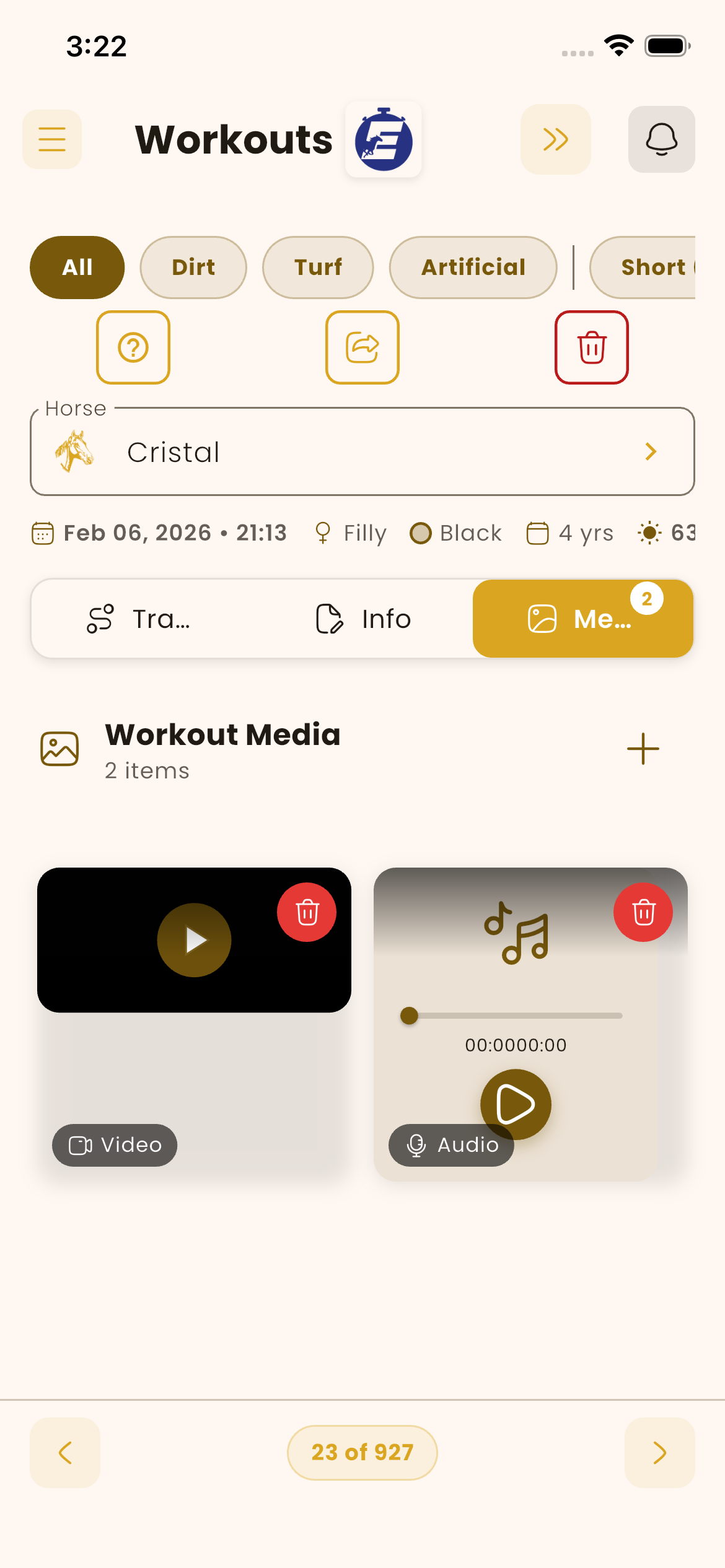
What each part of the app does.
Profile record
Account access: create your account, log in, and password recovery.
How to register in the app. The process takes less than a minute with your email and name.
Watch on YouTube ↗How to enter the app. Your session persists between launches and works across multiple devices at once.
Watch on YouTube ↗How to recover your password in simple steps. The app sends a reset link to your registered email.
Watch on YouTube ↗Chronometer
The core of the app: timing every workout, with media capture and optional live broadcast.
Set and customize the stopwatch for your session: horse, workout type, distance, track condition.
Watch on YouTube ↗How to take your times, save images, videos, voice notes and comments — all in the same view.
Watch on YouTube ↗How to transmit a training session to other users in real time — jockey, owner, second trainer.
Watch on YouTube ↗Workout list
Sorted history of all activity timed by the app.
View jobs done chronologically, search by horse and mark as favourites for quick access.
Watch on YouTube ↗Workout carousel
Detailed view of each session, ready to review and share.
Use the available buttons to view, edit and manage the individual job.
Watch on YouTube ↗View photos and videos taken during training, edit items and add context.
Watch on YouTube ↗Share jobs and select what to send — from the basic workout information to the full package with images, videos and additional data.
Watch on YouTube ↗Horse administration
Management of your roster on the platform — from registration to full history.
Basic functions: add, edit, status. The list reflects your active roster on the platform.
Watch on YouTube ↗Available buttons let you create tasks, create and edit horses, share them and manage shared-user access.
Watch on YouTube ↗Calendar
Schedule upcoming workouts with notifications to all involved parties.
Plan and manage your workouts. Each scheduled workout triggers push and email notifications at start time.
Watch on YouTube ↗App settings
Your profile, preferences and permissions.
Modify user data, add a profile photo and change the password.
Watch on YouTube ↗Set app preferences, language, onboarding, device permissions, terms and conditions, and more.
Watch on YouTube ↗More videos on our YouTube channel.
New tutorials with every major app update.
Open the channel →